
Best Monitor for Photo Editing in 2026: The Ultimate Buyer’s Guide
In the fast-evolving world of digital photography, your monitor isn’t just a display—it’s your most critical tool for translating raw sensor data into breathtaking final images. Whether you’re a professional retoucher working in Photoshop, a landscape photographer fine-tuning Lightroom presets, or a hobbyist editing family portraits, the right computer monitor for photo editing can mean the difference between prints that pop with lifelike colors and exports that disappoint on every other screen. Poor color accuracy leads to mismatched skin tones, lost shadow detail, or oversaturated skies that look unnatural when shared online or printed on fine-art paper.
As we step into 2026, advancements in panel technology, resolution, and calibration have never been more impressive. High-megapixel cameras like the Canon R5 Mark II or Sony A1 II demand displays capable of revealing every nuance without compromise. OLED panels now rival traditional IPS for contrast, while IPS Black technology boosts blacks without sacrificing viewing angles. Wide color gamuts covering 99% Adobe RGB have become standard in pro models, and hardware calibration tools make achieving Delta E values under 1 easier than ever.
This 2500-word guide dives deep into everything you need to know. We’ll break down the essential features every photo editor should prioritize, review the absolute best monitors based on 2026 testing from experts like RTINGS, PCMag, and Digital Camera World, provide a step-by-step calibration tutorial, and share workflow tips to maximize your investment. By the end, you’ll know exactly which monitor fits your budget, workflow, and creative vision. Let’s get started.
Why Monitor Quality Matters More Than Ever for Photo Editing
Photo editing is a visual craft. Your camera captures data in RAW format, but your monitor interprets it. A low-quality screen might hide clipped highlights or crush shadows, leading you to over-correct in post-production. Professionals rely on monitors with factory-calibrated accuracy (Delta E <2 out of the box) to trust what they see. For print workflows, Adobe RGB coverage is non-negotiable—sRGB-only screens limit your gamut to web-safe colors, resulting in dull prints.
In 2026, with HDR photography and 8K video integration rising, monitors must handle extreme dynamic range. OLEDs deliver infinite contrast (1,000,000:1) for true blacks, while IPS panels offer superior color volume and uniformity. Size matters too: a 27-inch 4K display provides pixel-perfect detail without scaling issues in apps like Capture One. Ergonomics, USB-C power delivery for laptop setups, and anti-glare coatings reduce eye strain during marathon sessions.
Budget options under $500 deliver surprising accuracy, while premium models ($1,000+) include features like motorized colorimeters and print-matching simulations. The key? Match the monitor to your needs—web/social media favors sRGB and brightness; print pros need Adobe RGB and hardware calibration.
Key Features to Look For in a Photo Editing Monitor
Choosing the best computer monitor requires understanding technical specs. Here’s a comprehensive breakdown:
1. Panel Type and Technology
IPS (In-Plane Switching) remains king for photo editing due to 178-degree viewing angles and excellent color reproduction. In 2026, IPS Black panels (like Dell’s) achieve 2000:1 contrast ratios—double traditional IPS—without backlight bleed. OLED excels in contrast and response time but watch for burn-in in static tool palettes. Mini-LED backlighting adds local dimming for HDR pop. Avoid VA panels; their narrow angles distort colors off-center.
2. Resolution and Size
4K (3840×2160) is the sweet spot for 27-32 inch screens, offering 163 PPI for razor-sharp detail. Larger 40-inch ultrawides suit multi-window workflows. 5K/6K (Apple) provides even more real estate but demands powerful GPUs. Higher resolution prevents pixelation when zooming into 50MP RAW files.
3. Color Gamut and Accuracy
- sRGB (100%): Essential for web and social media.
- Adobe RGB (99%): Critical for print—covers cyan-heavy landscapes and vibrant florals.
- DCI-P3 (95%+): Ideal for video/photo hybrids.
Factory Delta E <2 is baseline; pros aim for <1 post-calibration. 16-bit LUTs ensure smooth gradients without banding.
4. Brightness, Contrast, and Uniformity
300+ nits handles bright rooms. 1000:1+ contrast reveals subtle tones. Uniformity testing (via software) ensures even brightness across the screen—no hot spots ruining edits.
5. Connectivity and Ergonomics
USB-C with 90W+ Power Delivery charges your laptop while transmitting video and data. HDMI 2.1, DisplayPort, and daisy-chaining support multi-monitor setups. Adjustable stands with height, tilt, and swivel prevent neck strain. Anti-glare matte coatings (like BenQ’s Nano Matte) combat reflections.
6. Calibration Support
Hardware calibration via built-in or external colorimeters is vital. Some models include motorized sensors for automatic daily recalibration.
7. Additional Pro Features
Hoods block ambient light. SD card readers speed tethering. Hotkeys or pucks streamline presets. Paper Color Sync simulates print output.
These features directly impact your workflow. A wide-gamut monitor reveals colors your printer can reproduce, saving ink and time.
Top 6 Best Computer Monitors for Photo Editing in 2026
Based on hands-on reviews from RTINGS, PCMag, and photographer-focused sites, here are the standout performers. Prices approximate as of April 2026.
1. Dell UltraSharp 40 Curved Thunderbolt Hub Monitor (U4025QW) – Best Overall
This 40-inch 5K2K (5120×2160) curved IPS Black beast tops PCMag’s 2026 picks for its massive workspace and stunning contrast. 98% DCI-P3 and 100% sRGB coverage, Delta E <2 factory accuracy, and Thunderbolt 4 hub with 140W PD make it ideal for pros juggling Lightroom catalogs and Photoshop layers. The curve reduces edge distortion in panoramic edits. 120Hz refresh feels buttery for timeline scrubbing. Drawbacks: Pricey (~$2,000) and large footprint.


2. BenQ PhotoVue SW272U – Best for Serious Photographers and Print
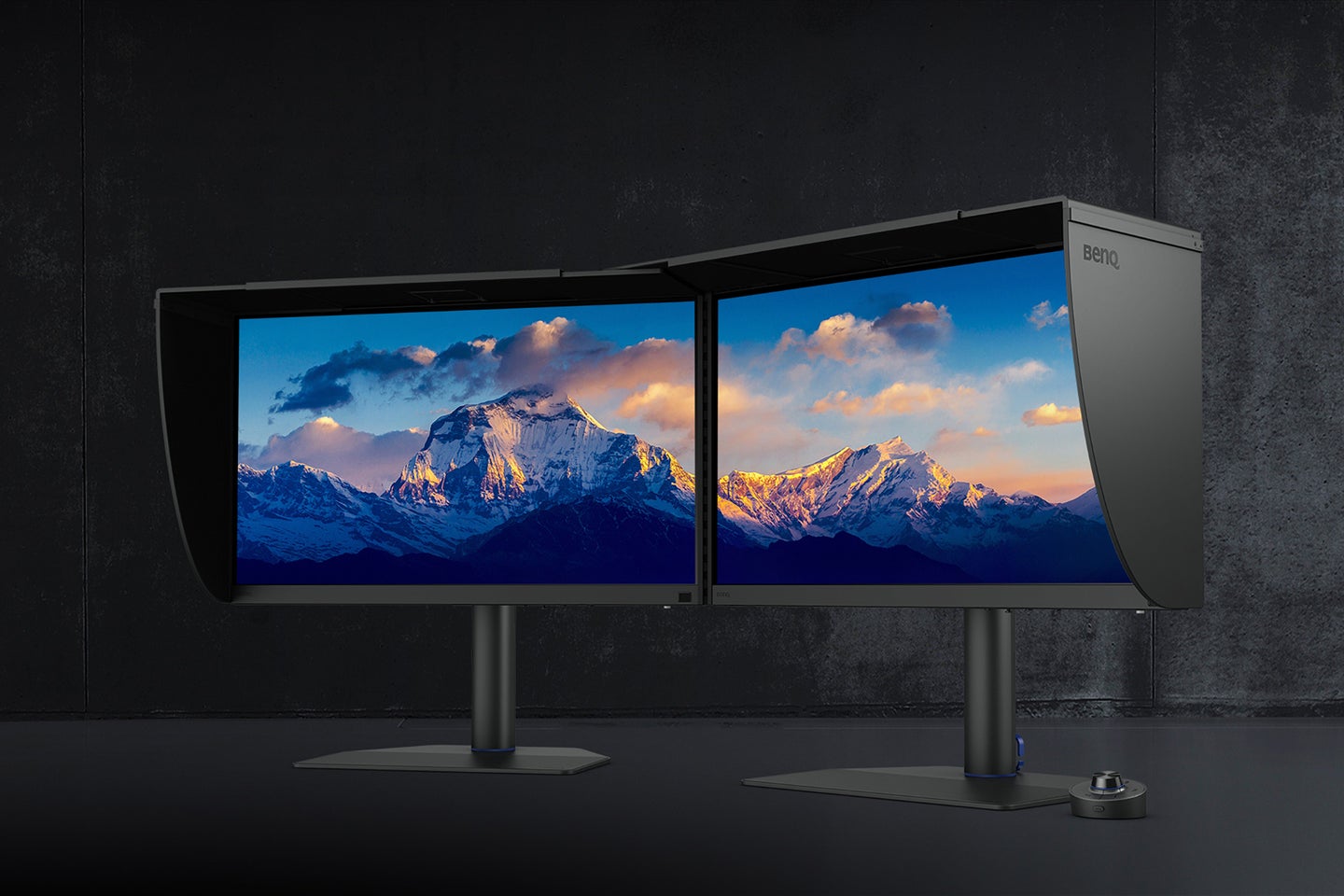
BenQ’s flagship 27-inch 4K IPS is purpose-built for photographers. 99% Adobe RGB, Delta E ≤1.5, and a revolutionary Nano Matte paper-like coating simulate print texture under hood light. Paper Color Sync matches screen to paper output perfectly. Hotkey Puck, USB-C 90W, and SD reader round it out. At ~$1,500, it’s the no-compromise choice for print pros. Uniformity is exceptional.
3. ASUS ProArt Display PA279CRV – Best Budget 4K Option
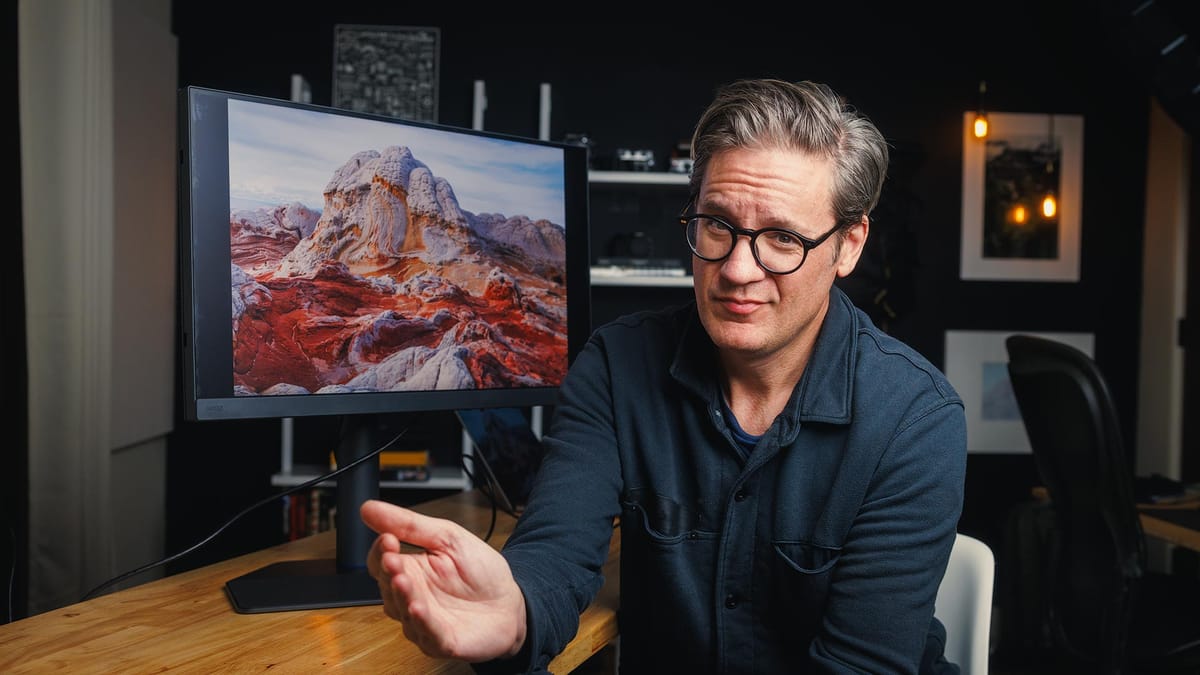
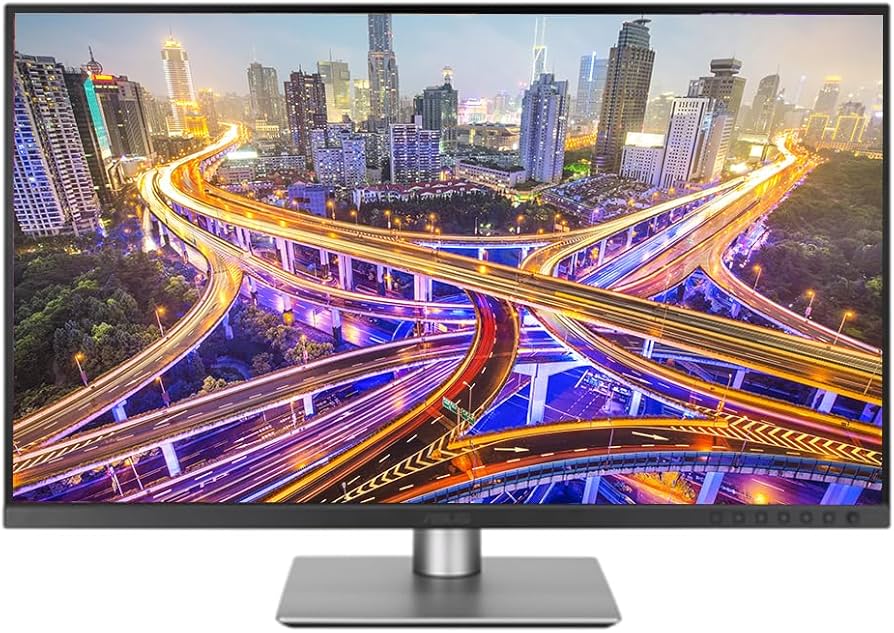
For under $500, this 27-inch 4K IPS delivers pro-level performance: 99% Adobe RGB/DCI-P3, Calman Verified accuracy (Delta E <2), 96W USB-C PD, and ergonomic stand. Daisy-chaining and integrated speakers add versatility. RTINGS praises its value for hobbyists and semi-pros. Perfect entry into wide-gamut editing without compromise.

4. ASUS ProArt Display OLED PA32UCDM – Best for Contrast and HDR Editing
This 32-inch 4K OLED revolutionizes shadow detail with infinite contrast and 99% DCI-P3/Adobe RGB. Delta E <2, motorized flip colorimeter, and ProArt software integration make calibration effortless. PCMag calls it the top 4K photo editor. Burn-in mitigation features address concerns. ~$1,300—worth it for dramatic landscapes.


5. Apple Studio Display – Best for Mac Users
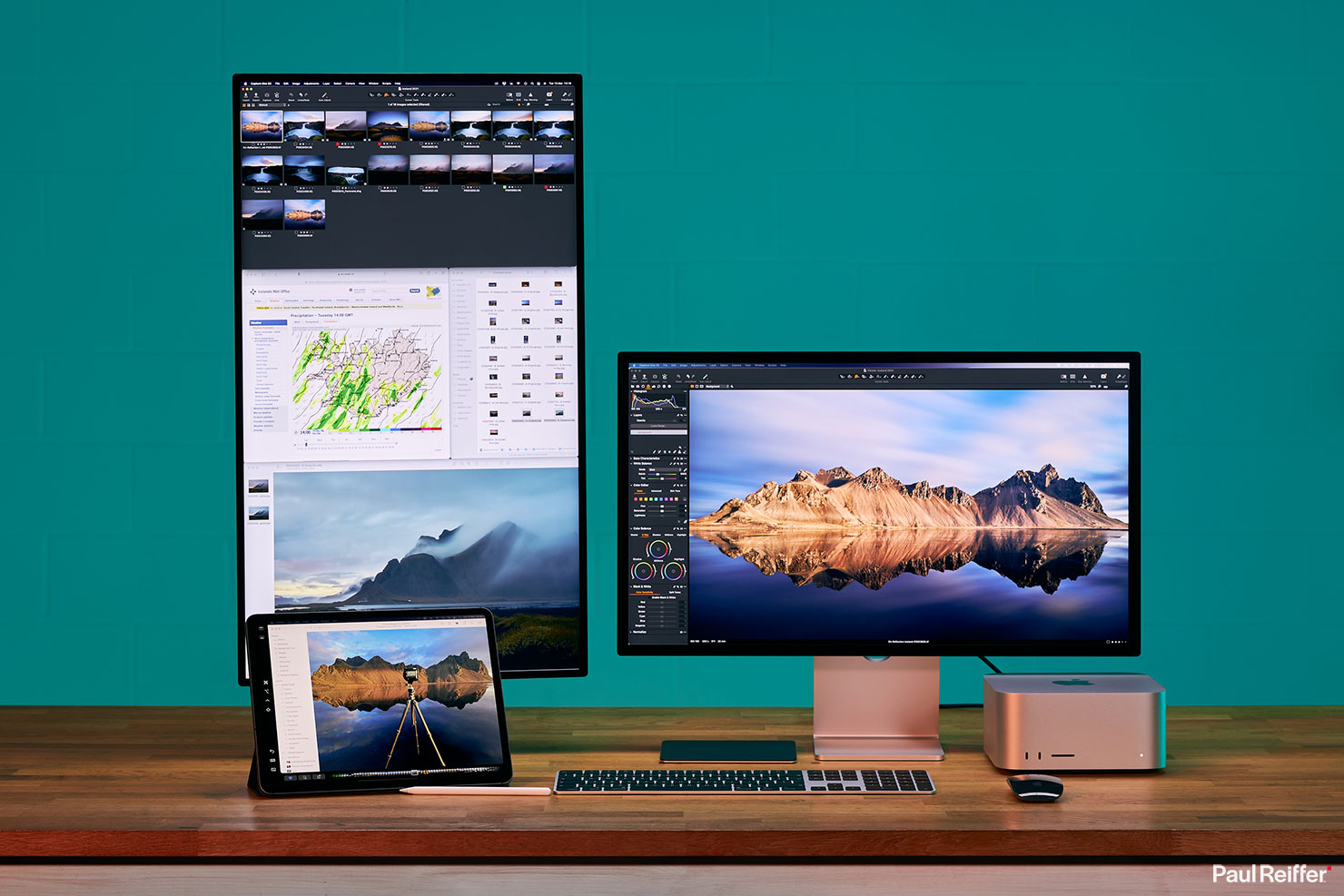
Seamless macOS integration, 5K Retina resolution (218 PPI), and True Tone ambient adjustment make this 27-inch the Mac photographer’s dream. 100% DCI-P3, excellent uniformity, and Thunderbolt connectivity. Pairs perfectly with Mac Studio or MacBook Pro. ~$1,600—premium but effortless.
6. EIZO ColorEdge CG2700X – Premium Reference Monitor for Pros
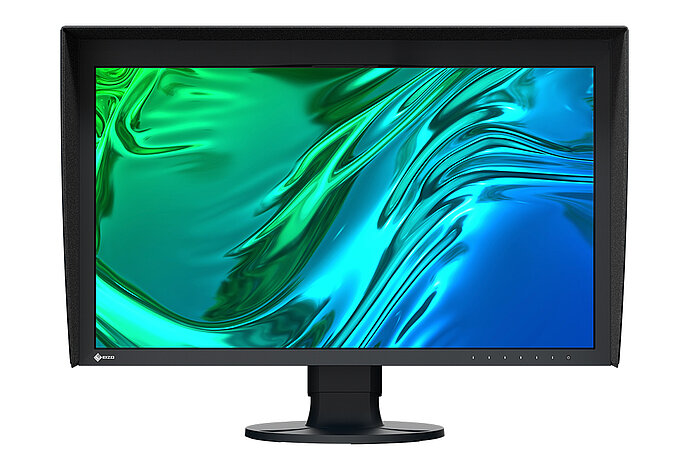
The gold standard for color-critical work. 27-inch 4K with built-in self-calibrating sensor, 99% Adobe RGB, and hardware-level precision (Delta E <1). 16-bit LUT and Digital Uniformity Enhancement ensure flawless results. ~$2,500—invest once for lifetime accuracy.
Comparison Table
| Monitor | Size/Resolution | Gamut Coverage | Delta E | Price (approx.) | Best For |
|---|---|---|---|---|---|
| Dell U4025QW | 40″ 5K2K | 98% DCI-P3 | <2 | $2,000 | Overall/Workspace |
| BenQ SW272U | 27″ 4K | 99% Adobe RGB | ≤1.5 | $1,500 | Print Photographers |
| ASUS PA279CRV | 27″ 4K | 99% Adobe RGB/DCI-P3 | <2 | $450 | Budget |
| ASUS ProArt OLED | 32″ 4K | 99% Adobe RGB/DCI-P3 | <2 | $1,300 | HDR/Contrast |
| Apple Studio Display | 27″ 5K | 100% DCI-P3 | Excellent | $1,600 | Mac Users |
| EIZO CG2700X | 27″ 4K | 99% Adobe RGB | <1 | $2,500 | Reference Pro |
How to Calibrate Your Monitor for Perfect Photo Editing
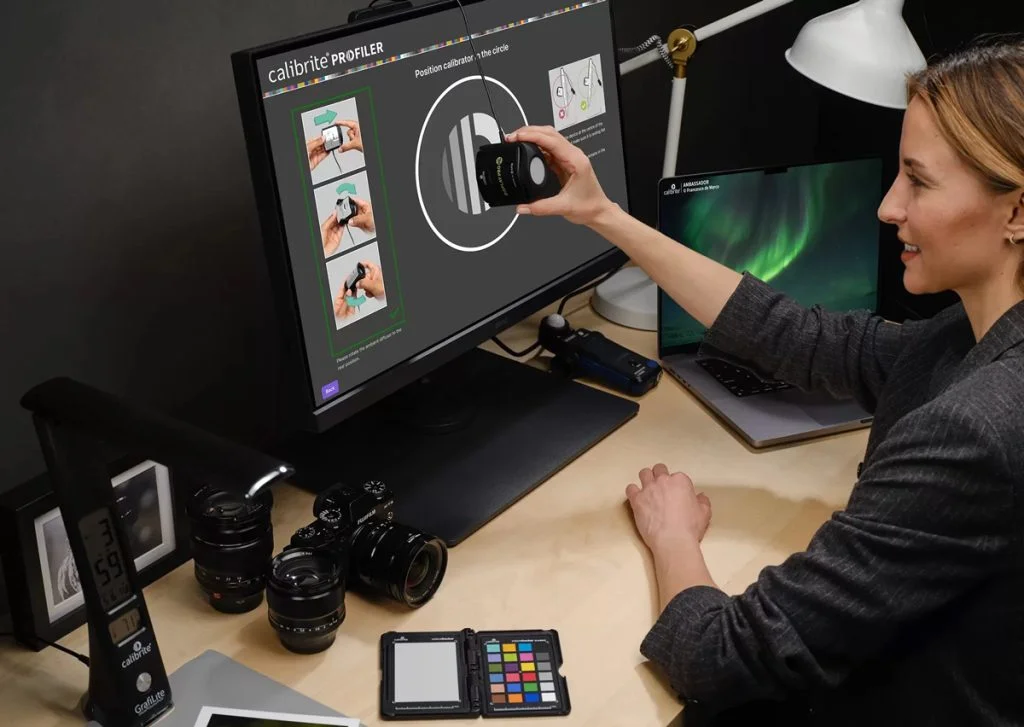
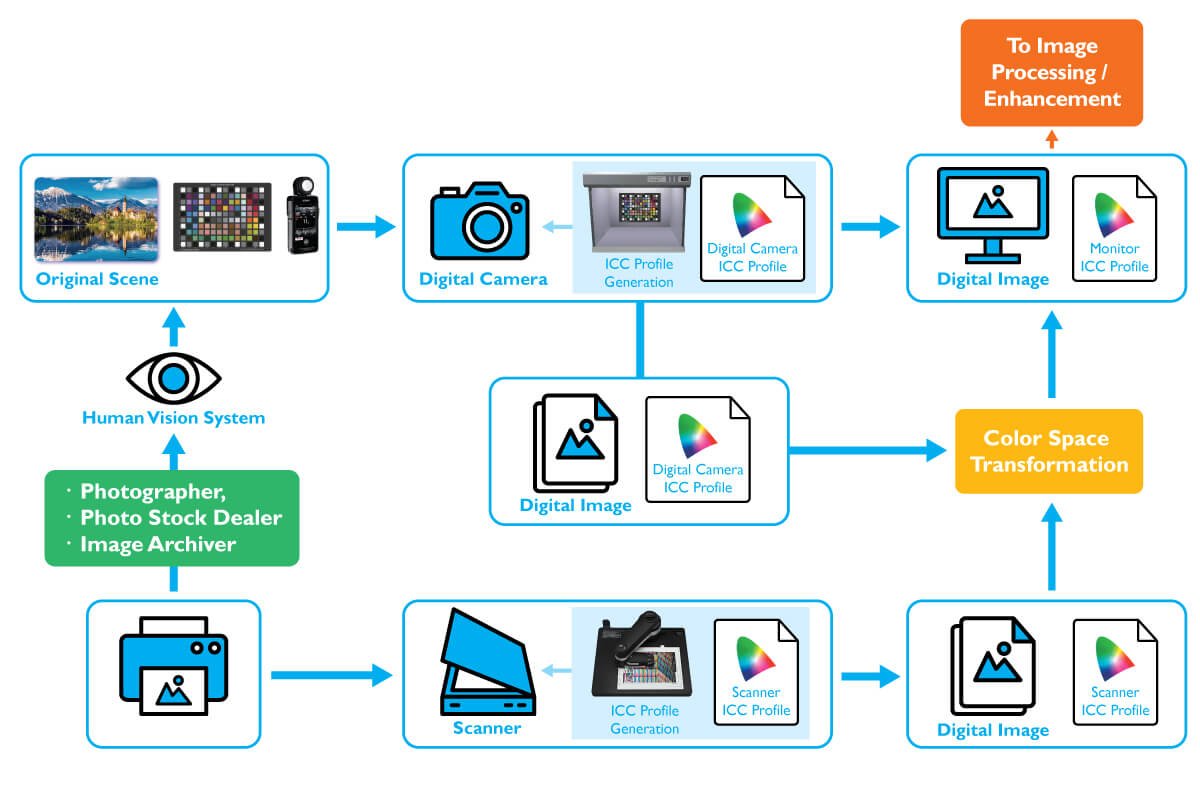
Calibration is non-negotiable. Here’s a step-by-step guide:
- Prepare the Environment: Dark room, neutral walls, hood installed.
- Choose a Tool: X-Rite i1Display Pro or Datacolor SpyderX (~$150-250).
- Software Setup: Use DisplayCAL (free) or manufacturer tools.
- Run Calibration: Set white point 6500K, gamma 2.2, target brightness 120 cd/m² for print.
- Verify: Use test images; aim for Delta E <1.
Repeat monthly. Built-in sensors (EIZO/BenQ) automate this.
Advanced Workflow Tips and 2026 Trends
Integrate your monitor with tethering software. Use dual setups: one for reference, one for tools. Trends include AI-assisted calibration and sustainable materials. For video-photo hybrids, prioritize HDR10 support.
Conclusion
The best computer monitor for photo editing transforms your creative process. Whether the affordable ASUS ProArt PA279CRV or premium EIZO, prioritize accuracy and gamut. Invest wisely—your images deserve it.