
What is the Best Computer for Making Music Production?
A computer for music production is not just about speed or price. It must handle complex audio software, large files, and sometimes dozens of tracks at once. Here are the main things you should consider:
Processing Power
The CPU (central processing unit) is the brain of your computer. Most music software uses the CPU to run plugins and effects. A weak CPU can slow down your workflow, cause lag, or even crash your projects. Look for at least a quad-core processor. Modern DAWs (Digital Audio Workstations) like Ableton Live or FL Studio work best with Intel i5/i7 or AMD Ryzen 5/7 CPUs.
Ram (memory)
Audio files and virtual instruments use a lot of memory. With too little RAM, your computer can freeze or slow down during big projects. For music production, 16GB RAM is a safe minimum. If you use heavy sample libraries (like orchestral instruments), consider 32GB.
Storage
Music projects and audio files are large. SSD (solid-state drive) storage is faster than a traditional hard drive (HDD). An SSD lets you load samples quickly and reduces waiting time. Aim for at least 512GB SSD. If you need more space, you can add an external drive.
Audio Interface And Ports
Most computers have basic sound cards, but for professional music, you need an audio interface. This device connects your instruments and microphones to the computer. Make sure your computer has enough USB ports or Thunderbolt ports for your audio interface and MIDI controllers.
Display And Graphics
Music does not need a strong graphics card, but a large screen helps when mixing and editing. For laptops, consider at least a 15-inch display. For desktops, a dual-monitor setup can boost productivity.
Operating System
Both Windows and MacOS are popular for music production. Some software works only on one system, so check compatibility. Mac computers are known for stability and low latency, while Windows offers more flexibility and hardware choices.
Popular Computers For Making Music
Let’s look at the computers musicians prefer for music production. Each has strengths and weaknesses. Not all are expensive, and some offer great value.
Apple MacBook Pro
The MacBook Pro is famous among music producers. It is reliable, fast, and works well with DAWs like Logic Pro X (exclusive to Mac). The latest models have Apple M2 or M3 chips, which are fast and efficient.
- CPU: Apple M2/M3
- RAM: 16GB–32GB
- Storage: 512GB–2TB SSD
- Display: 14-inch or 16-inch Retina
Pros:
- Excellent build quality
- Long battery life
- Low-latency audio
Cons:
- Expensive
- Fewer ports (need adapters)
Many professionals use MacBook Pros for live shows because they rarely crash and have good battery life. If you travel or perform, this is a solid choice.
Dell Xps Series
The Dell XPS 15 and XPS 17 are strong Windows options. They offer high performance and beautiful displays.
- CPU: Intel i7/i9
- RAM: 16GB–64GB
- Storage: 512GB–2TB SSD
- Display: 15-inch or 17-inch 4K
Pros:
- Powerful hardware
- Good screen for editing
- Flexible ports
Cons:
- Battery life can be short
- Can get hot under heavy use
Dell XPS laptops are favored by producers who prefer Windows and want a premium look and feel.
Apple Imac
The iMac is a desktop with everything built in. It’s popular in studios because of its stable performance and large screen.
- CPU: Apple M1/M3
- RAM: 16GB–32GB
- Storage: 512GB–2TB SSD
- Display: 24-inch or 27-inch Retina
Pros:
- Large, clear display
- Quiet operation
- Stable OS
Cons:
- Not portable
- Limited upgrade options
For a permanent studio setup, iMacs are a top choice.
Microsoft Surface Studio
The Surface Studio is a unique desktop for creative work. The screen tilts, making it good for touch and drawing.
- CPU: Intel i7
- RAM: 32GB
- Storage: 1TB SSD
- Display: 28-inch touchscreen
Pros:
- Flexible screen
- High RAM
Cons:
- Costly
- Not as fast as others
Musicians who also do graphic design or video editing enjoy the Surface Studio.
Custom-built Pcs
A custom-built PC lets you choose every part. You can balance performance and price. Many studios use custom PCs because they can upgrade parts easily.
- CPU: AMD Ryzen 7/9 or Intel i7/i9
- RAM: 32GB–64GB
- Storage: 1TB–4TB SSD
- Display: Depends on the monitor
Pros:
- Can upgrade anytime
- Good value for money
Cons:
- Needs technical knowledge
- No warranty for the whole system
If you are comfortable with computers, building your own is often the best value.
Lenovo Thinkpad Series
The ThinkPad X1 Extreme is known for durability and strong performance.
- CPU: Intel i7/i9
- RAM: 16GB–64GB
- Storage: 512GB–2TB SSD
- Display: 15-inch or 16-inch
Pros:
- Tough build
- Great keyboard
Cons:
- Not as stylish
- Speakers are average
ThinkPads are trusted by musicians who travel a lot.
Asus Rog Series
Some gaming laptops like ASUS ROG work well for music because they have strong CPUs and lots of RAM.
- CPU: AMD Ryzen 9 or Intel i9
- RAM: 32GB–64GB
- Storage: 1TB–2TB SSD
- Display: 15-inch or 17-inch
Pros:
- High performance
- Good cooling
Cons:
- Heavy and bulky
- The battery drains fast
Gaming laptops are good if you need raw power and don’t mind extra weight.
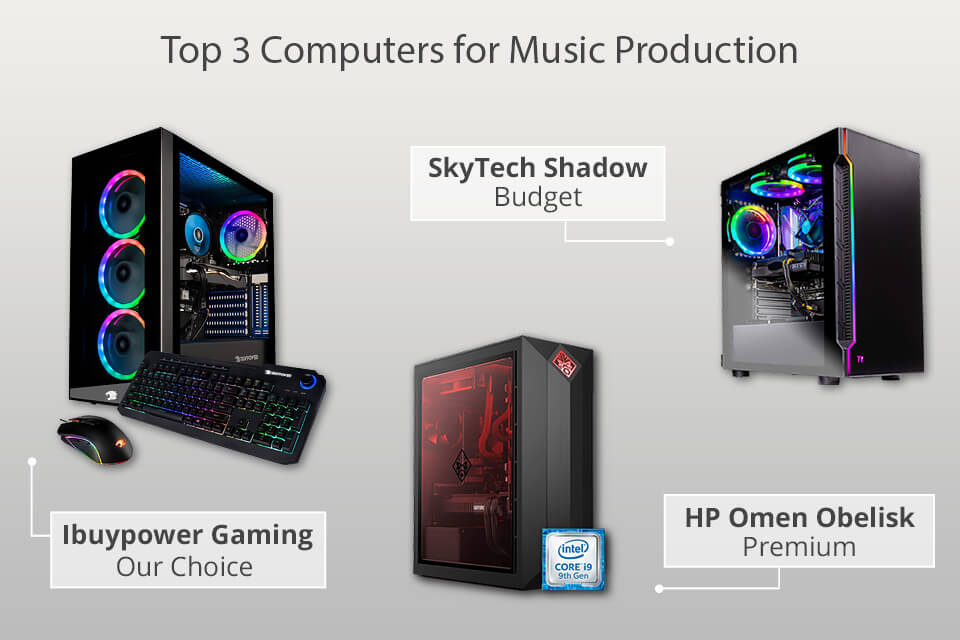
Comparing Top Computers For Music Production
To help you see differences, here’s a comparison of popular models:
| Model | CPU | RAM | Storage | Display | OS | Price (USD) |
|---|---|---|---|---|---|---|
| MacBook Pro 16″ | Apple M2/M3 | 32GB | 1TB SSD | 16″ Retina | MacOS | ~$2500 |
| Dell XPS 15 | Intel i9 | 32GB | 1TB SSD | 15″ 4K | Windows | ~$2100 |
| iMac 24″ | Apple M1/M3 | 16GB | 1TB SSD | 24″ Retina | MacOS | ~$1800 |
| Custom PC | Ryzen 9 | 64GB | 2TB SSD | Depends | Windows | ~$2200 |
Essential Features For Music Production
Many buyers focus on specs, but some features are often overlooked. Here are two important points many beginners miss:
Audio Latency
Latency is the delay between playing an instrument and hearing the sound. High latency can ruin recordings. Mac computers are known for low latency, but you must also use a good audio interface and proper drivers (like ASIO for Windows).
Quiet Operation
Music producers need a quiet workspace. Some computers, especially gaming laptops, have loud fans. Check reviews to see how noisy a computer is under load. For studio work, a silent machine is important.
How To Choose: Laptop Vs Desktop
Should you buy a laptop or a desktop? Each has strengths.
Laptop
- Portable, good for gigs and travel
- Battery-powered, can be used anywhere
- Usually fewer ports
Desktop
- More powerful for the same price
- Easier to upgrade and repair
- Not portable
If you plan to produce music in different places, a laptop is best. If you want maximum power and don’t move, a desktop is better.
Music Production Software And Compatibility
Before buying, check which software you want to use. Some DAWs are Mac-only (like Logic Pro X), while others work on both systems (Ableton Live, FL Studio, Cubase). Windows offers more plugin choices, but Mac is stable and easy to use.
Some software needs a strong CPU and lots of RAM. For example, Kontakt libraries can use over 20GB of RAM. If you use many virtual instruments, get more RAM and SSD storage.
Real-world Examples: Producer Setups
Let’s look at how famous producers set up their computers.
- Calvin Harris uses a MacBook Pro for live shows and an iMac in his studio.
- Hans Zimmer builds custom PCs with huge RAM for orchestral scores.
- Deadmau5 mixes on Windows desktops with multiple monitors.
These setups show that there’s no single “best” computer. It depends on your style, budget, and needs.
Data On Music Production Computer Use
Recent surveys show:
- Over 65% of professional producers use Mac computers.
- About 30% use Windows.
- Most beginners start with laptops, then switch to desktops as their projects grow.
- The average RAM for pro studios is 32GB.
- SSD storage has become standard in new setups.
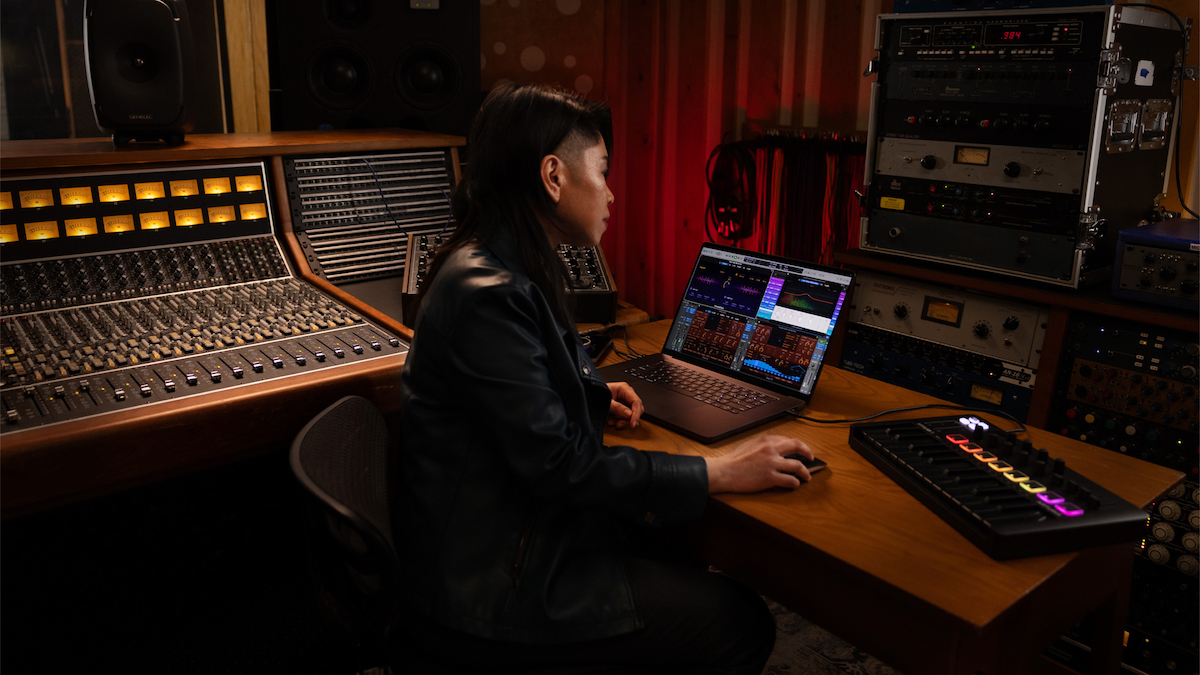
Upgrading Your Computer For Music
If you already have a computer, you may not need a new one. Upgrading RAM or switching to SSD can boost performance.
| Upgrade | Impact | Estimated Cost (USD) |
|---|---|---|
| RAM | Faster project loading | $80–$200 |
| SSD | Quicker file access | $90–$250 |
| Audio Interface | Better sound quality | $100–$400 |
Tip: Always check if your computer can be upgraded. Some laptops (like MacBooks) have fixed parts.
Common Mistakes When Choosing A Computer For Music
Many buyers make mistakes that slow them down later. Here are the most frequent:
- Buying low RAM: Less than 16GB is not enough for modern music production.
- Ignoring storage: HDDs are slow. Always choose SSD.
- Choosing style over function: Some laptops look cool but lack enough ports or power.
- Not checking software compatibility: Make sure your DAW works on the system.
- Overlooking noise: Loud fans can ruin recordings.
- Not planning for upgrades: Some computers cannot upgrade RAM or storage.
Practical Tips For Musicians
- Always check DAW compatibility before buying.
- Use an external SSD for backup and extra storage.
- If you mix on headphones, make sure your audio interface has a good output.
- For live shows, battery life matters. Test your setup before performing.
- Keep your computer clean and updated to avoid crashes.
Best Value Computers For Beginners
If you are starting out, you don’t need the most expensive machine. Here are good choices:
- Apple MacBook Air (M1): Affordable, fast, runs Logic Pro X.
- Dell Inspiron 15: Good performance, low price, Windows compatible.
- Lenovo IdeaPad: Reliable, enough RAM for small projects.
Each can handle basic music production and costs under $1000.
The Role Of External Devices
A computer alone is not enough. You need:
- Audio interface: Connects instruments and microphones.
- MIDI controller: Plays virtual instruments.
- Headphones/monitors: For accurate mixing.
Make sure your computer has enough ports for all devices.
Should You Buy Used Or Refurbished?
Buying used can save money. Check:
- Battery health (for laptops)
- Warranty or return policy
- Condition of ports and keyboard
Refurbished models from official stores are safer than random sellers.
Environmental Factors
Where you use your computer matters; if your studio is hot, avoid machines that overheat. For dusty rooms, desktops with good filters help. Cooling and cleanliness are often ignored, but they affect performance.
Security And Backups
Music projects are valuable. Always back up your files. Use external drives or cloud storage. Mac and Windows both offer backup tools. Losing a project can be painful and expensive.
Future-proofing Your Purchase
Technology changes fast. To avoid buying again soon:
- Choose a computer with upgradable RAM and storage.
- Buy a machine with USB-C/Thunderbolt ports for future devices.
- Select a newer CPU (avoid models older than 3 years).
Power Users: What Matters Most
If you work with huge projects or film scoring:
- Get 64GB RAM and 2TB SSD.
- Choose a desktop for maximum performance.
- Use dual monitors for editing.
These setups are expensive but save time and reduce stress.
Comparing Mac Vs Windows For Music
There is a debate about Mac vs Windows. Here’s a quick summary:
| Feature | Mac | Windows |
|---|---|---|
| Stability | Very stable | Depends on hardware |
| Software | Logic Pro X, GarageBand | FL Studio, Cubase, Ableton Live |
| Hardware Choice | Limited models | Many options |
| Price | Usually higher | Wide range |
| Latency | Low | Depends on drivers |
Mac is reliable and simple, but Windows offers more choices and lower prices.
Should You Consider Tablets?
Some people ask if the iPad Pro or Surface Pro can replace a computer. Tablets are good for sketching ideas, but not for full projects. They lack power and compatibility with pro software. Use them for quick demos, but not final production.
Final Recommendation: The Best Computer For Making Music
There is no single “best” computer for making music. The right choice depends on your needs, budget, and style. However, for most producers:
- The MacBook Pro is best for reliability and live shows.
- A Dell XPS or a custom PC is best for Windows users wanting flexibility.
- iMac is perfect for permanent studios.
If you are a beginner, start with a mid-range laptop and upgrade as you grow. Always focus on CPU, RAM, and SSD. Avoid flashy models that lack power.
For more detailed specs and reviews, you can check Wikipedia.
Frequently Asked Questions
What Is The Minimum Ram Needed For Music Production?
For most DAWs and basic projects, 16GB RAM is enough. If you use big sample libraries or virtual instruments, 32GB is better.
Can I Use A Gaming Laptop For Music Production?
Yes, gaming laptops have strong CPUs and RAM. However, they can be heavy and have noisy fans. Make sure the ports and battery life suit your needs.
Is Mac Better Than Windows For Making Music?
Both are good. Mac is stable and easy for live shows. Windows offers more hardware choices and lower prices. Choose based on your favorite software and workflow.
Should I Buy A Desktop or a Laptop For Music?
Desktops are more powerful and easier to upgrade. Laptops are portable and good for gigs. If you move often, buy a laptop. For studio work, choose a desktop.
How Important Is Ssd Storage For Music Production?
SSD is very important. It loads samples and projects faster and reduces lag. Avoid computers with only HDD storage, as they are slow for modern music production.
—
Choosing the best computer for making music is about matching your creative needs with the right technology. By focusing on key features and avoiding common mistakes, you can find a machine that lets your music shine. Whether you’re a beginner or a pro, the right computer helps you work faster, create better, and enjoy the process.

One Response